
Best CS2 Crosshair Settings
Crosshair styles that stay visible on Dust II, Mirage, and dark bombsite angles without covering heads.
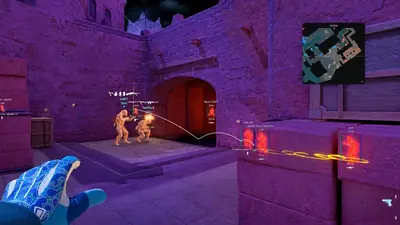
Your crosshair should show head level, stay visible on beige and blue walls, and never hide the enemy you are tracking. CS2 ships with a solid default, but most ranked players tighten gap and thickness after a few Deathmatch sessions.
Starter profiles to copy
| Style | Length | Thickness | Gap | Color | Best for |
|---|---|---|---|---|---|
| Classic static | 2 | 0 | -2 | Green | Rifles and first AK sprays |
| Dot + outline | 1 | 0 | -3 | Cyan + outline | Pistols and tap firing |
| T-style | 3 | 1 | -1 | Yellow | Learning head level on new maps |
Settings to adjust in the menu
- Style: Classic Static for most players; Dynamic only if you understand the bloom
- Follow Recoil: Off while learning spray; On only after you read patterns
- Outline and Center Dot: Use outline on busy backgrounds
- Alpha and color: Increase alpha before you switch to neon colors
Share codes and workshop tests
Copy crosshair codes from friends or pros, then test on Aim Botz or Yprac Prefire maps for ten minutes each. If you change sensitivity soon after, revisit the mouse DPI guide instead of chasing a new crosshair every day.
Pair with video settings
Blur, motion, and low FPS make any crosshair feel worse. Apply best CS2 settings first so your marker stays crisp during smokes and duels.