
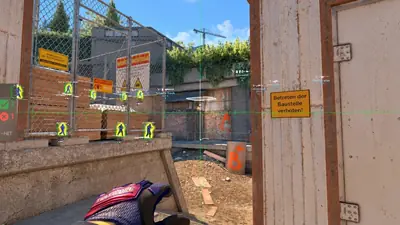
Best CS2 Settings for a Low-End PC
Lowest practical video settings, resolution tricks, and Windows cleanup when CS2 struggles on 8 GB RAM.
Low-end does not mean unplayable. CS2 runs on Steam minimum specs, but Source 2 needs headroom for smokes and 10-player fights. This path targets stable 60+ FPS on office GPUs and 8 GB RAM.
Aggressive in-game video
- Everything on Low except Multisampling (None)
- Boost Player Contrast: Enabled for visibility
- Disable FidelityFX Super Resolution unless you accept soft image
- Use 4:3 stretched or 1280×720 only after Low preset fails
RAM and storage
Close browsers and recording tools before matchmaking. Install CS2 on SSD; HDD installs cause long loads and stutter. If pagefile is tiny, let Windows manage virtual memory on the SSD.
Launch options
Try `-novid -high +fps_max 120` on very weak chips to reduce heat. Pair with steps in increase FPS in CS2.
Know when hardware is the limit
Compare your CPU and GPU to the Steam table in CS2 PC requirements. Upgrading to 16 GB RAM often smooths stutter more than another launch flag.